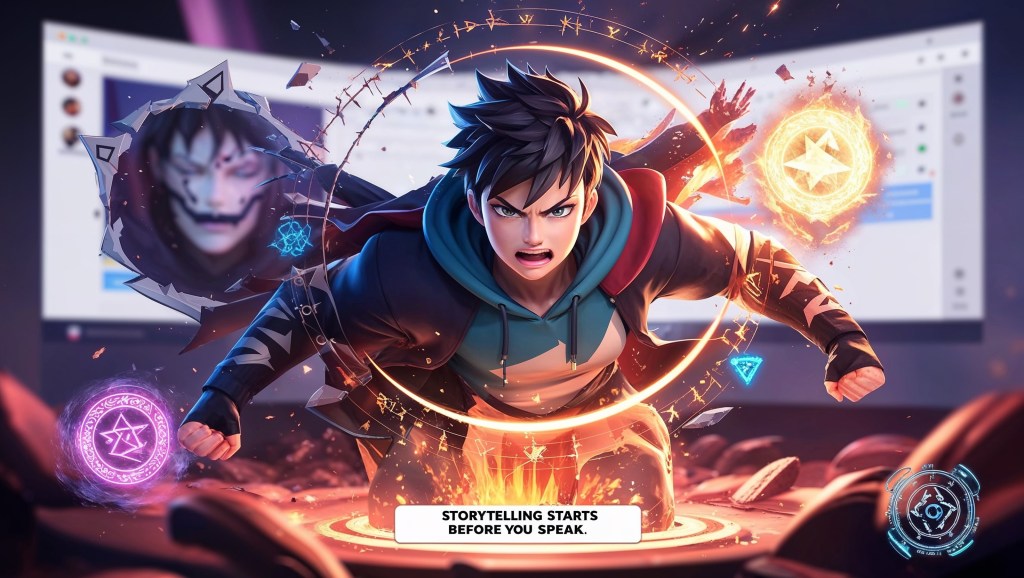
When you think of powerful storytelling, you probably imagine dialogue, music, or plot twists. But in the world of VTubing, the story often unfolds before you even speak. A flicker in your eyes. A costume change. A subtle glow around your form. These are not just visual effects; they’re layers of narrative.
Avatar layering is quietly becoming one of the most underrated storytelling tools in VTuber content creation. For aspiring VTubers building a presence from scratch, understanding this can set you apart, not just as a streamer, but as a visual storyteller with emotional depth and creative control. This blog isn’t just about tech or toggles. It’s about crafting a character that lives, breathes, and evolves in real time.
What Is Avatar Layering?
Avatar layering refers to the ability to stack, toggle, or blend different visual elements on top of your VTuber model. These layers can be anything from facial expressions and props to complex outfit changes, elemental effects, alternate forms, or even environmental overlays.
But here’s where it gets interesting: Each layer is a storytelling beat. A scar isn’t just a design choice, it’s a memory. A new outfit isn’t just fashion, it marks a new arc. A glowing eye isn’t just cool, it signals power awakening. Just like a film uses costumes, lighting, and expressions to convey story, you, the narrative designer of your own VTuber identity, can do the same using layers.
Visual Storytelling: The Secret Language of Layers
Let’s break down what avatar layering makes possible in narrative terms:
1. Emotion Without Dialogue
A character doesn’t need to say, “I’m sad.” A dimmed pupil, a quivering lower lip, and a subtle storm effect in the background say it better. Toggling layered facial expressions or animated shaders lets your VTuber avatar convey mood instantly—no exposition dump required.
2. Progressive Character Arcs
Did your character lose a battle? Add a scratch overlay. Did they unlock a new power? Trigger a glowing aura and shift the eye color. These aren’t cosmetic—they’re chapter markers in your personal lore.
With each stream or event, you build continuity. A visible evolution.
3. Thematic Reinforcement
If your stream is part of a horror story arc, why not apply layered grain, shadows, or glitch effects to your model? If it’s a holiday stream, load in a festive scarf, blinking lights, or snow particles. These are storytelling layers, not just festive fluff.
Aspiring VTubers: You Are the Narrative Designer
Many VTubers hesitate to call themselves narrative designers, thinking that’s a term for game devs or screenwriters. But if you’ve ever asked:
- “What’s my character’s backstory?”
- “How should I look during serious streams vs. fun ones?”
- “How can I make my transformation more dramatic?”
Congratulations. You’re thinking like a narrative designer already. And avatar layering is your toolkit for turning that vision into something visible.
Layering for Different VTuber Archetypes
Whether you’re a chaotic gremlin, elegant royalty, or comfy slice-of-life streamer, layering can serve your vibe and help your audience connect with your journey.
The Lore VTuber
Layers = visual breadcrumbs. Scar appears during a past trauma monologue. Halo dims when lying. Robe morphs when divine power activates. Your story unfolds, not just verbally, but visibly.
The Chill Comfort VTuber
Layers = cozy mood shifts. Switch to pajamas during night streams. Toggle a warm color filter. Add tea steam, a cat on your lap, or rain on the window behind you. Now your audience feels home with you.
The Comedy/Chaos VTuber
Layers = punchlines. Big dumb glasses when saying something smart. Sparkles when being dramatic. A banana hat for no reason. These visual gags are stream assets, not afterthoughts.
Designing for Layers from Day One
If you’re just starting to design your own avatar, here’s something nobody tells you early enough: Plan for layers before your model is built.
Additions after the fact can be harder or costlier. So when commissioning your model or creating it yourself, consider:
✅ Expressions
Ask for togglable expressions beyond smile/frown. Think: mischievous smirk, flustered cheeks, determined grit, tired eyes.
✅ Accessories & Props
Include items you can attach/detach in real time: headphones, hats, weapons, plushies, food items, masks, magical items.
✅ Outfit Variants
Build swappable outfits or forms. Even simple jacket on/off options add immense versatility for storytelling.
✅ Environmental Layers
This can be fire effects, fog, snow, glitch overlays, or lighting passes—things that add atmosphere.
✅ Model Switches
Some creators go as far as having entire alternate models for narrative moments (e.g., human vs. demon form). If that feels ambitious, start small, start with a toggle.
The Tools That Bring Layers to Life (Without Burning You Out)
If you’re worried that layering sounds like a tech maze—don’t panic. VTubing tools today are more beginner-friendly than ever.
Here’s what creators use to handle VTuber model layers:
🧷 VTube Studio (Live2D)
Toggle individual art mesh layers, swap outfits, or expressions with hotkeys, and trigger effects through Twitch redeems or plugin integrations, perfect for 2D VTubers who want responsive, layered storytelling.
🎮 VSeeFace / Luppet / VRCFT (3D)
Supports blend shapes, toggleable props, and Unity-based expression systems. Easily integrates with interactive tools like T.I.T.S and VTS-Pog to let your avatar react to real-time viewer actions and layered narratives.
👑 TheVtubers
For full custom 3D avatars with expression toggles, outfit swaps, and built-in emotional range. They sculpt, rig, and layer everything so you can focus on performance, not pipeline. Commission your unforgettable 3D avatar—ready to stream, evolve, and tell your story.
🔧 VMagicMirror (3D Desktop VTubing)
Great for beginners using webcam or keyboard tracking. Supports accessory toggling and simple animations—ideal for casual streamers wanting lightweight layering without heavy setup.
🎨 Animaze
A beginner-friendly face tracking app supporting Live2D and 3D avatars. Allows expression toggles, props, and themed layers with easy drag-and-drop interface, great for entry-level storytelling VTubers.
🛠️ TIF (Toggles in Facerig)
Still used by some Live2D legacy creators, TIF allows hotkey-based toggles for props and expressions. A lightweight option for those building lore on older systems.
Making Layers Interactive: Let Your Viewers Play Director
One of the most powerful parts of avatar layering? It invites audience interaction. When fans can trigger toggles during your stream, they participate in your story.
🎯 Ideas for Interactive Layering:
- Twitch Redeems: Let viewers activate “rage mode” or “sleepy face.”
- Milestone Reveals: Unlock new accessories or forms when hitting sub goals.
- Event-Based: Trigger dramatic changes for lore drops or confessions.
- Community-Driven Design: Let fans vote on new layer ideas.
You’re not just building a following. You’re building an investment.
From Model to Myth: Layer by Layer
Here’s the truth many overlook: The best VTuber streams don’t just entertain. They transport. Avatar layering makes this possible. You can start small, add one outfit, one emotion, one little spark. And from there, your stream becomes less of a monologue, and more of a living, layered stage.
So whether you’re just starting out or refining your tenth model, take a moment to ask:
- What does my avatar feel right now?
- What should they look like in this moment?
- How can I let that show, without saying a word?
When you design with that question in mind, you’re not just VTubing. You’re storytelling. You’re building emotion. You’re designing a universe, one toggle at a time.
Final Thought
Avatar layering isn’t just an aesthetic choice, it’s the heartbeat of your VTuber story. Every toggle, expression, and prop becomes a storytelling tool that deepens your character, engages your audience, and brings your streams to life. For aspiring VTubers, mastering layers means stepping into the role of both performer and narrative designer. Whether you’re crafting dramatic lore arcs or cozy slice-of-life moments, layering lets you speak volumes without saying a word. So don’t just stream, build a layered experience your fans can feel, interact with, and remember. Your avatar is more than a model. It’s a canvas. Now, paint your story.


 VtuberLab
Leave a reply to zenithan 1 Cancel reply