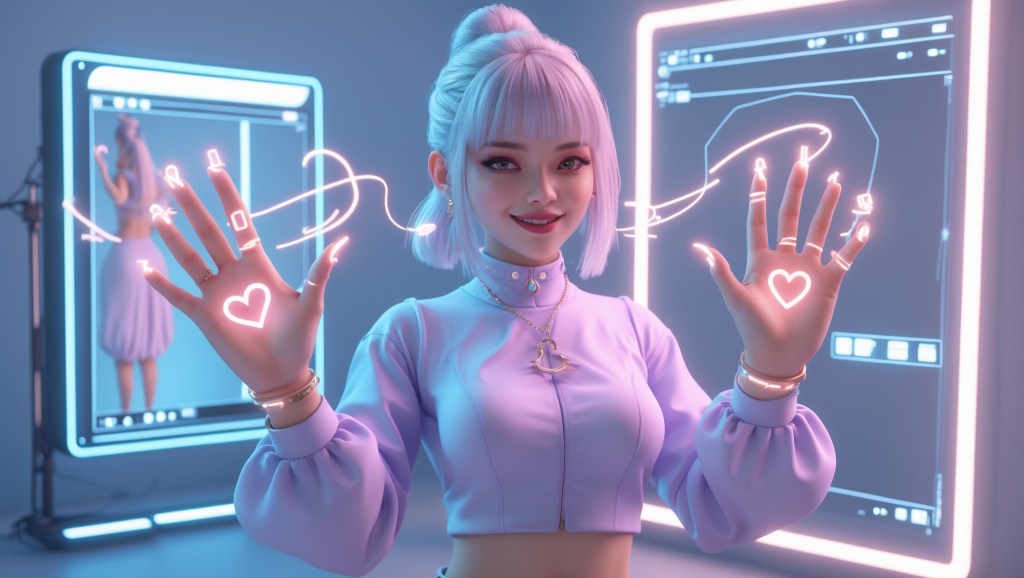
Ever watched a VTuber cast a spell with a flick of their fingers or form a heart mid-stream and felt something click? That moment of connection, subtle, stylish, and deeply expressive, often comes from something viewers barely notice at first: the hands.
While most VTubers focus on faces and voices, it’s the gestures, poses, and flicks of the wrist that bring your character to life in a uniquely human way. From high-energy waves to silent reactions, VTuber hands are becoming the new frontier of expression, storytelling, and immersion.
This blog dives deep into what makes VTuber hands so powerful: tracking, rigging, and custom hand assets. We’ll go beyond surface-level tips and explore real techniques, tech, and tools VTuber creators are using right now, and how you can take your own hands to the next level.
Why VTuber Hands Matter More Than You Think?
You might be surprised at how many fans notice your hand movements. In a 2024 VTuberLab community poll, over 62% of viewers said expressive hand movements made a VTuber feel more “real” and “alive.” It’s not just about showing off your gear hands create a connection.
From anime-inspired heart gestures to virtual high-fives during collabs, VTuber hands offer a layer of personality that’s hard to replicate with just face and voice. The rise of gesture-based content, like handcam reactions, ASMR, and emote-triggered animations, shows just how essential hands have become in modern VTubing.
The Tech Behind VTuber Hand Tracking
Let’s start with how it all works, because hand tracking isn’t just plug-and-play.
1. Hand Tracking Options (And What They Cost)
| Tracking Method | Accuracy | Equipment Needed | Cost Range |
| Leap Motion Controller | High | External sensor | ~$100 |
| iPhone (ARKit) | Medium | iPhone X or newer | Varies |
| VR Controllers (e.g., Index, Vive) | High | Full VR setup | $$$ |
| Webcam AI Tracking (e.g., Rokoko, Manomotion) | Low–Medium | Webcam | Often Free/Paid |
- Leap Motion is still a top choice for many VTubers because it offers high fidelity with real-time fingers and wrist articulation.
- iPhone tracking is great for casual creators or mobile VTubers, apps like VTube Studio support basic hand gestures when combined with head and face tracking.
- VR-based tracking (like Valve Index) is more advanced but offers full-body and finger control, ideal for 3D VTuber avatars doing immersive streams or concerts.
2. Tracking Latency and Gesture Responsiveness
Even a 200ms delay between your real hand movement and avatar response can make your stream feel off. The golden standard is under 80ms for real-time interaction, and most Leap Motion or Index setups get close when properly calibrated.
If you’re noticing lag, it could be:
- Unoptimized rigging or model structure
- Too many scripts fighting for control of your rig
- GPU/CPU bottlenecks from OBS + tracking software
Pro tip: Run hand tracking software on a separate device if you’re streaming on a single PC — you’ll get smoother output with less heat and jitter.
Rigging VTuber Hands: 2D vs 3D Approaches
Now that you can track your hands, your rigging determines how they move and respond.
For 2D VTubers: Live2D Hand Rigging Isn’t Dead
If you think 2D avatars can’t have expressive hands, think again. Live2D now supports:
- Switchable hand poses (like peace signs, open palms, fists)
- Physics-based hand sway
- Expression-linked hand changes (e.g., surprise → hands up)
But there’s a catch, hand animations are often predefined and toggled, not dynamically tracked. To make it fluid:
- Use parameter linking in Live2D Cubism to connect emotions to hand changes.
- Add multiple hand art layers to expand your gesture range.
- Use tools like VBridger or VTube Studio’s hotkey system to toggle between hands mid-stream.
For 3D VTubers: Full IK Rigging Unlocks True Expression
With 3D VTuber models (especially VRM or custom FBX/GLB files), your hands can respond in real time to every flick, bend, or twist.
Key components for 3D hand rigging:
- Inverse Kinematics (IK): Allows for natural wrist and finger motion without animating each joint manually.
- Finger Bones & Weight Painting: Make sure your 3D avatar has correctly assigned finger bones, or tracking will break.
- Blend Shapes for Gestures: Used when you want predefined hand gestures (e.g., pointing, heart pose) without moving each bone.
Insider Tip: Not all riggers include hand bones by default. If you’re commissioning a 3D VTuber model, always ask for finger bone support, especially if you plan to use Leap Motion or full-body tracking.
Custom VTuber Hand Assets: Your Style, Your Story
Not all hands are created equal, literally. Custom VTuber hand assets let you stand out and express your character more deeply.
Popular Custom Hand Trends in 2025:
- Oversized anime hands (for comedic or stylized avatars)
- Claw or mech-style hands (for sci-fi/lore-heavy avatars)
- Detailed nail art and hand tattoos (popular in indie fashion and gothic VTubers)
- Color-shifting or glowing hand shaders (for fantasy avatars)
Platforms like TheVTubers.com are changing the game when it comes to custom 3D VTuber avatars, and yes, that includes your hands. Instead of forcing you into a generic model, they let you co-create your avatar from scratch, featuring custom hand shapes, expressive poses, and gesture-ready rigs built for Leap Motion, VRM, or full-body tracking. Whether you want delicate fingers, armored gloves, or glow-tipped claws, it can be part of your base design, not just an afterthought.
What makes it beginner-friendly is that you don’t have to hunt for separate hand assets or worry about technical rigging. It’s all bundled into a ready-to-use, fully rigged avatar made to your spec. You can even choose whether your hands require special functionality, such as finger articulation for VR, or streamlined motion for desktop streaming setups.
If you’re upgrading an existing avatar, sites like Booth.pm, Nizima, or Sketchfab’s VTuber community still offers downloadable hand assets, but they often require some Unity setup or rigging skills. Make sure to double-check compatibility with your base model and tracking software.
Gesture Control and Animation: Making Your Hands Feel Alive
Once your avatar’s hands are rigged and ready, the final step is animation and control.
Gesture Options:
- Manual Gestures: Triggered by hotkeys or stream deck buttons.
- Auto Gestures: Linked to emotes, speech, or facial expressions.
- Reactive Gestures: Based on user input or audience engagement (e.g., clap when chat donates).
Tools to Animate VTuber Hands:
- Unity Animator (for creating gesture clips in 3D avatars)
- VTube Studio’s Hotkey System (for 2D gesture switches)
- Luppet / Wakaru / VSeeFace (for real-time Leap Motion hand animation)
- Final IK (advanced Unity asset for realistic IK hand placement)
If you’re going for maximum immersion, consider adding small idle animations — like hand twitches, finger curls, or subtle motion while speaking. These make your avatar feel alive, even when you’re not using big gestures.
Avoiding Common VTuber Hand Mistakes
A few things to avoid if you’re designing or upgrading your VTuber hands:
- Hands That Clip Through the Body: Fix this by adjusting armature constraints and colliders in Unity. Always test gestures across multiple angles.
- No Finger Weight Painting: If your fingers look stiff or don’t bend naturally, your model probably lacks weight painting on finger bones.
- Unnatural Idle Poses: A neutral hand pose matters. Avoid T-poses or fully open fingers when idle — it feels robotic. Aim for a relaxed curl.
- Low Poly or Broken Hands in Close-Ups: If you plan to zoom in during streams or clips, make sure your hands are high-res and fully rigged. Fans notice!
What the Future Looks Like for VTuber Hands?
The future of VTuber hands is looking more dynamic and immersive than ever. With advancements in generative AI, affordable mocap gloves, and increasingly interactive VTuber streams, we’re entering a phase where hand gestures become more than just visual flair. Imagine finger gestures tied directly to in-game actions or reacting to live chat in real time. We’re also seeing early moves toward sign language support in VTuber streams, opening the door for more inclusive communication. On the tech side, AI-based gesture prediction could soon reduce the need for high-end tracking gear, making hand interaction more accessible to indie creators. In short, your VTuber hands won’t just exist on screen; they might soon sit on your shelf, captured in a custom pose that tells your story in the real world too.
Final Thoughts
If your VTuber face is the voice, then your VTuber hands are the punctuation marks amplifying, gesturing, emoting, and connecting. So don’t treat them like an afterthought. Whether you’re designing your first VTuber avatar or upgrading from a base model, consider how hands can bring personality and flair to your streams. Choose your tracking setup wisely, invest in solid rigging, and consider custom hand assets to stand out in a world full of copy-paste avatars. Your story deserves to be told with every gesture. So go ahead wave, point, high-five your chat, and let your hands do the talking.


 VtuberLab
Leave a reply to PikiPop Cancel reply