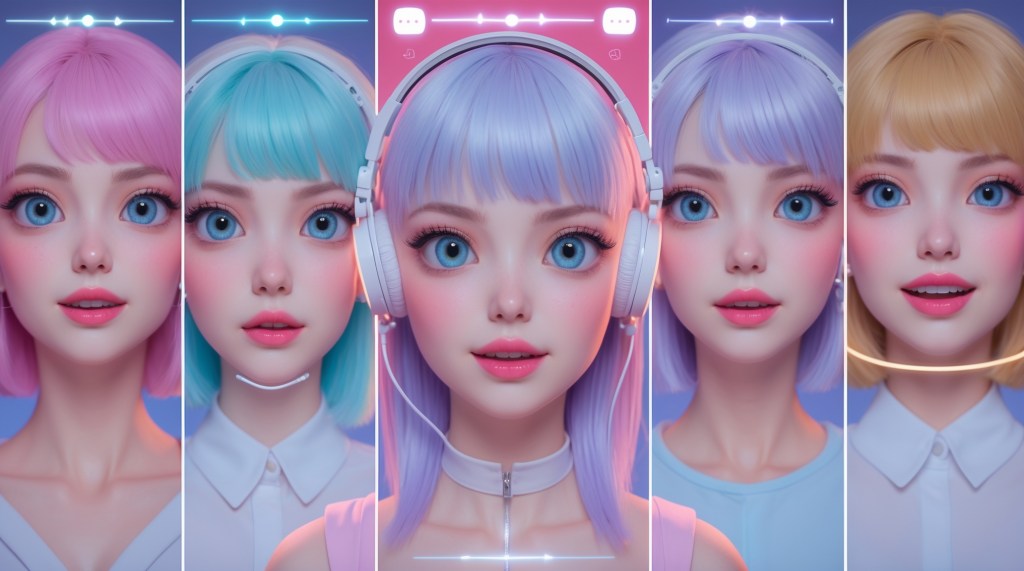
Have you ever watched a VTuber raise an eyebrow mid-sarcasm or flash a goofy grin mid-game and wondered, how are they doing that? It’s not magic, though it looks like it. Behind the captivating face of every VTuber avatar lies a powerful yet often overlooked mechanism: the blend shape. These digital building blocks are the reason your favorite VTubers can express everything from smug satisfaction to full-blown meltdown in real time.
If you’re getting started in VTubing, dreaming of a more expressive avatar, or just curious about how digital faces work, this guide will take you behind the scenes. We’ll break down how VTuber expressions are created, why facial tracking alone isn’t enough, and how blend shapes serve as the real emotional toolkit of your VTuber avatar.
What Are VTuber Expressions?
In the simplest sense, VTuber expressions are the animated facial cues your avatar uses to communicate emotions—smiles, winks, blinks, smirks, surprise, confusion, or even total chaos. But these aren’t just drawn in post, they’re dynamically generated in real-time, synchronized with your own facial movements (or hotkeys, depending on setup).
This real-time emotional mimicry is what makes VTubers feel alive on-screen. It’s the difference between an avatar that feels stiff and one that engages fans like a living, breathing digital personality.
But none of it works without blend shapes.
Blend Shapes: The Silent Heroes of VTubing
Blend shapes, also called morph targets or shape keys, are predefined variations of a 3D model’s mesh that represent specific facial expressions or movements.
Each blend shape is a version of the avatar’s face altered to show a specific emotion or action, like smiling, blinking, puffing cheeks, or raising eyebrows. These shapes are “blended” in real time based on the input from your face tracking software, creating fluid, responsive expressions.
Think of them like emoji baked into your avatar’s 3D geometry, except these are infinitely more flexible and interactive.
How Blend Shapes Work?
Here’s the basic workflow:
- Your face is tracked by a camera using facial tracking software (like iPhone ARKit, VSeeFace, or PrprLive).
- The software detects movement—eyebrow raise, lip movement, eye blink.
- It maps these movements to corresponding blend shapes.
- These blend shapes animate your VTuber avatar in real-time.
So when you blink, your avatar blinks—because the software blends between the “eyes open” and “eyes closed” shapes dynamically.
Why Blend Shapes Matter More Than You Think?
Here’s the secret sauce: you can have perfect facial tracking but still get bad expressions if your blend shapes are poorly made.
Think of blend shapes as the emotional vocabulary of your VTuber avatar. The more nuanced and well-designed they are, the more expressive and engaging your model becomes.
Poorly rigged avatars may only support basic shapes, open mouth, blink, and maybe a smile. But advanced models can switch between a mischievous smirk, wide-eyed awe, deadpan stares, or twitchy sarcasm.
And here’s where storytelling comes in: Your avatar’s ability to show emotion shapes how your content is received. Without expressive reactions, your performance feels flat, even if your commentary is top-tier.
Common VTuber Blend Shapes and What They Actually Do
When you see a VTuber pulling off a dramatic gasp or a cheeky side-smile, you’re actually watching multiple blend shapes firing at once. Think of blend shapes like muscles—each one controls a different part of the avatar’s face. Together, they form expressions that feel fluid, emotional, and believable.
Below are some of the most common and essential blend shapes that form the foundation of expressive VTuber avatars—whether 3D or Live2D-inspired.
| Blend Shape Name | What It Does |
| MouthOpen / MouthForm | Controls how the mouth opens and shapes for speech; varies for vowels and volume |
| EyeBlinkL / EyeBlinkR | Handles blinking independently; enables subtle or exaggerated eye movement |
| BrowUp / BrowDown | Raises or lowers the eyebrows; shows emotions like surprise, anger, or sadness |
| Smile / Frown | Pulls the mouth corners up or down; communicates happiness, smugness, or gloom |
| CheekPuff | Inflates the cheeks—great for pouting, silly expressions, or cartoon exaggeration |
| JawOpen | Used for wide-open mouth movements—screaming, laughing, or dramatic yelling |
| EyeLookUp / Down / Left / Right | Moves the pupils; allows for eye contact, looking around, or comedic “side-eyes” |
These blend shapes are the baseline for emotional communication. Without them, even a beautiful model can come off as flat or robotic.
Pro-Level Blend Shapes You’ll Find in Advanced Rigs
Higher-end or custom VTuber models often include specialized blend shapes for added nuance and personality:
- NoseScrunch: Subtle irritation or playful smugness.
- LipPurse: Nervousness, sass, or sarcasm.
- TongueOut: For cheeky or meme-worthy expressions.
- EyeSquint / EyeSmile: Enhances joy, mischief, or fake-laughter effects.
- TeethClench: For anger, tension, or stress.
- LowerLipTremble: Adds drama or vulnerability, perfect for emotional streams or roleplay.
These are often used in combination with facial tracking or triggered by hotkeys during key moments.
How Face Tracking Uses Blend Shapes to Create VTuber Expressions?
It takes more than blend shapes alone to bring VTuber expressions to life. Here’s a quick look at the tech chain involved in most VTubing setups:
1. Facial Tracking Hardware
Most commonly, VTubers use:
- An iPhone with ARKit (iFacialMocap, VTube Studio iOS).
- A webcam for tools like VSeeFace or Luppet.
- Motion capture headsets (for pro-level setups)
2. Face Tracking Software
This software detects facial landmarks and translates them into blend shape values. Popular tools:
- VTube Studio (for Live2D).
- VSeeFace (for 3D avatars).
- Animaze or Faceware.
- Luppet, VMagicMirror, VUP (for 3D models).
3. Your Avatar with Blend Shapes Built-In
Your 3D model must be rigged with appropriate blend shapes. No amount of tracking will help if your model doesn’t include them. That’s why getting a well-rigged model, whether made from scratch or bought from a platform like TheVTubers.com, is essential.
Blend Shapes Are Not Just Cosmetic
Here’s where things get deeper: Blend shapes don’t just animate expressions, they define how emotionally readable your character is.
If your model only has basic shapes (like blinking and mouth open/close), the emotional range will be limited. But if it includes custom shapes like “smirk,” “eyebrow raise left only,” or “shifty eyes,” suddenly your avatar gains depth and attitude.
A well-designed blend shape set:
- Enhances comedic timing.
- Strengthens audience connection.
- Makes your content feel polished and professional.
It’s why top VTubers pay for custom blend shape rigs, because expressions are storytelling tools.
Testing Your Blend Shapes and VTuber Expressions: A Quick Checklist
Before going live, test your avatar’s expressions to ensure everything responds well. Use this checklist:
✅ Can you blink naturally on both eyes?
✅ Does your smile show teeth or just lips?
✅ Can you look side to side with your eyes, not your head?
✅ Does your mouth form different shapes when talking?
✅ Can you manually trigger emotional states (like anger, joy, cry) via hotkeys?
If you’re answering “no” to most, your model may be lacking key blend shapes or needs tuning in the facial tracking software.
Customizing and Expanding Your Blend Shapes
You don’t need to settle for default expressions.
Many VTubers hire 3D artists or use tools like VRoid Studio + Unity or Blender to add new shapes. These could include:
- Meme expressions (yandere eyes, uwu face, sparkly eyes).
- Reaction shapes (angry steam, dizzy eyes, sparkle tears).
- Signature brand emotions (for lore-heavy or mascot VTubers).
Some platforms like TheVTubers.com offer custom 3D models with well-optimized and expressive rigs ready for real-time streaming, making it easier for beginners to access high-quality expressions from day one.
2D VTubers and Expression Keys: Is It the Same?
While we’ve mostly talked about 3D VTuber avatars, Live2D models also use a similar concept—except instead of 3D blend shapes, they rely on parametric deformations.
In Live2D:
- Expressions are usually hotkey-triggered.
- Each emotion is manually drawn and rigged.
- Real-time tracking often mimics simple movements like blinking and mouth shape.
But the goal remains the same: turning you into a visually expressive character that audiences can emotionally connect with.
VTubers Who Use Blend Shapes Like Pros
- Ironmouse (VSHOJO) — Known for a rich range of expressions. Even subtle eye shifts enhance comedic timing.
- Shoto — Uses highly tuned blend shapes to deliver emotional storytelling in horror and RP streams.
- Kizuna AI — Early use of expression dynamics helped set the standard for “alive” avatars.
Their blend shape setups aren’t just technical, they’re part of their branding.
Final Thoughts
In a world where your audience only sees your avatar, your expressions are your voice, second only to your literal one. Whether you’re a casual streamer or building a lore-driven VTuber persona, investing time into understanding and optimizing your blend shapes will pay off in viewer engagement, emotional depth, and professional polish. Because in VTubing, it’s not just what you say, it’s how your avatar reacts when you say it.


 VtuberLab
Leave a reply to Elias Cancel reply