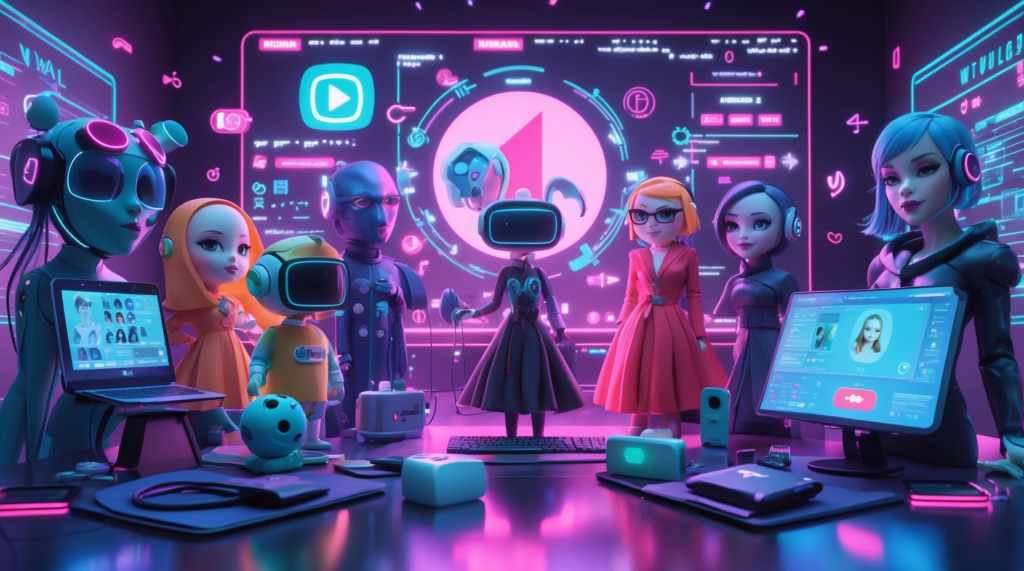
VTubing has exploded from a niche trend to a global content creation phenomenon. Whether it’s gaming, music, commentary, or just chatting, VTubers are building loyal fan bases and redefining digital entertainment. If you’ve ever dreamed of becoming a virtual personality or stepping into the world of VTube avatars, there has never been a better time than 2025 to dive in.
This guide is designed to make VTubing easy for beginners. We’ll break down the top tools for VTubers, from character creation to live streaming, and help you launch your virtual journey with confidence and creativity.
What is VTubing?
VTubing, short for Virtual YouTubing, refers to the use of animated avatars—typically anime-styled or stylized 3D characters—by content creators. These avatars mimic real-time facial and body movements using motion tracking software, making your digital persona come alive on platforms like YouTube, Twitch, or TikTok.
A VTube avatar acts as your on-screen identity. Instead of showing your face, you use a virtual character that mirrors your emotions and actions. This opens up endless possibilities for expression, performance, and storytelling.
Why VTubing is Booming in 2025?
In 2025, the VTubing space is more vibrant and accessible than ever. Here’s why:
- Low barrier to entry: Thanks to better tools and more free software, anyone with a webcam and a mic can get started.
- Community growth: With platforms like Twitch, Kick, and YouTube boosting virtual content creators, audiences are more welcoming and familiar with VTubers.
- Enhanced tools: From facial recognition to AI voice modulation, the tech stack is more powerful and beginner-friendly.
- Creative freedom: VTubing enables self-expression without physical constraints. You can be anyone—an elf, a robot, a cat, or even a sentient plant.
How to Start VTubing in 2025: The 5 Essential Steps
Before we dive into the top tools for VTubers, let’s outline a quick roadmap for getting started:
Choose your niche (gaming, education, music, comedy, etc.)—this helps define your content direction and target audience. Pick something you’re passionate about, as it will keep your energy and creativity flowing.
Design your avatar (either 2D or 3D)—your VTube avatar is your digital identity, so choose a style that reflects your brand and personality. You can either create one yourself using free tools or commission a professional design for a polished look.
Select the right VTubing software—this is where your avatar comes to life with motion tracking, facial expressions, and voice sync. Look for software that fits your skill level and hardware setup for the smoothest experience.
Set up your streaming platform (YouTube, Twitch, etc.)—pick the platform where your audience is most active and where you feel comfortable performing. Make sure to optimize your channel with branding, overlays, and descriptions before going live.
Start creating content and engaging with your audience—consistency, creativity, and community interaction are key to growing as a VTuber. Don’t be afraid to experiment, collaborate, and evolve your content as you learn what your audience enjoys.
Top Tools for VTubers in 2025
Let’s explore the best VTubing tools available today, grouped by category for easy navigation.
1. VTube Avatar Creation Tools
Creating a compelling avatar is your first step. Whether you want a cute anime girl, a mythical creature, or a cyberpunk hero, these tools make it easy.
VROID Studio
If you’re looking to create a fully customizable 3D anime-style avatar, VROID Studio is one of the best tools to start with in 2025. Available on Windows and Mac, it’s completely free and incredibly beginner-friendly. The intuitive interface allows you to design detailed characters, from facial features and outfits to hairstyles and accessories—all without needing any prior 3D modeling experience.
What makes it especially appealing this year is the 2025 update, which brings new templates, enhanced hair physics, and real-time integration with popular streaming tools. Whether you’re experimenting with your first avatar or refining a full VTuber persona, VROID Studio offers the creative freedom and technical flexibility to bring your vision to life.
Ready Player Me
Ready Player Me is a powerful web-based cross-platform avatar builder that allows you to create stylish 3D avatars in just minutes. What sets it apart is its compatibility across various virtual platforms, including Unity, VRChat, and many VTubing environments. It’s perfect for creators who want a unified digital identity across games, apps, and streaming setups. The 2025 update brings improved body tracking support and expanded compatibility with VTubing software, making it even more attractive for both beginners and experienced VTubers.
Live3D
For those looking for an all-in-one solution, Live3D on Windows offers avatar creation, animation, and streaming in a single package. You can design your avatar, animate movements, and go live without switching platforms. It supports VTuber Studio files, making it a great companion tool, and comes with interactive emotes, perfect for engaging your audience during live streams.
VRChat Avatars
If you’re comfortable working with Unity, exploring VRChat Avatars is a rewarding option. These community-driven 3D avatar assets offer deep customization possibilities, ideal for creators who want a unique and highly detailed avatar. While it involves a learning curve, especially with Unity workflows, the sheer variety of free assets and infinite customization options make it worth the effort for serious VTubers.
2. Facial & Motion Tracking Tools
Your avatar needs to move, emote, and engage—just like you. These VTubing tools track your face, eyes, mouth, and body to animate your character.
VSeeFace
VSeeFace is a top choice for Windows users seeking accurate facial tracking software for VTubing. Known for its precision and ease of use, it supports standard webcams, enables expressive animations through hotkeys, and integrates smoothly with VROID avatars. It’s beginner-friendly yet powerful enough for serious creators. With the 2025 update, VSeeFace now includes gesture recognition and improved performance on low-end PCs, making it even more accessible to VTubers on a budget.
Luppet
For creators who want highly detailed tracking, Luppet offers advanced face and hand tracking with Leap Motion support. Although it’s Windows-only and primarily developed for a Japanese audience, it’s favored by many professional VTubers for its depth of expression and precision. Thankfully, English guides are available online to help international users navigate the interface.
Animaze
Animaze, developed by the creators of FaceRig, provides a robust face tracking and streaming solution for both Windows and iOS. Whether you’re importing your custom avatar or using their diverse pre-made options, Animaze delivers rich animations, intuitive controls, and a polished streaming experience. It’s especially useful for those looking for a hybrid mobile-desktop workflow.
3. Voice Modulation and Audio Tools
Your voice is as much a part of your VTube persona as your visuals. These tools can help you modulate, enhance, or completely transform your voice.
Voicemod
Voicemod is a powerful real-time voice modulator for Windows that lets VTubers transform their voice into a wide range of characters—from anime idols to robots and demons. It’s a popular tool for adding personality and flair to your streams, especially if you enjoy roleplaying or storytelling. With both free and premium versions, it’s accessible for beginners while offering advanced voice effects for seasoned creators.
NVIDIA RTX Voice
If you’re using a PC with an NVIDIA RTX GPU, NVIDIA RTX Voice is an essential tool for cleaning up your audio. It uses AI to remove background noise like keyboard typing, fan hums, or even barking dogs, resulting in crystal-clear voice quality. It’s perfect for VTubers who want a professional-sounding stream without investing in expensive audio equipment.
OBS Studio Audio Filters
Built right into OBS Studio, these integrated audio filters allow you to fine-tune your sound without needing third-party plugins. Whether you want to apply a compressor, noise gate, or equalizer, OBS gives you the flexibility to optimize your mic settings across Windows, Mac, and Linux platforms, ensuring your voice sounds polished and consistent.
4. Streaming and Recording Tools
Once your VTube avatar is ready, you’ll want to go live or record content. These tools will help you look professional and engaging.
OBS Studio
OBS Studio is the gold standard for streaming and recording software, available on Windows, Mac, and Linux. It offers powerful features like customizable scenes, overlays, transitions, plugins, and extensive options for personalization. Because of its flexibility and reliability, it’s the preferred choice for many VTubers aiming to grow their channels on platforms like YouTube and Twitch.
Streamlabs OBS
Built on the foundation of OBS Studio, Streamlabs OBS caters especially to beginners by offering a more user-friendly interface on Windows and Mac. It comes pre-loaded with attractive themes, chat integration, alerts, and widgets, making setup faster and easier without sacrificing functionality. The premium version unlocks additional features for creators looking to level up.
Twitch Studio
Twitch Studio is specifically tailored for new VTubers on Twitch, offering an easy onboarding experience. Available on Windows and Mac, it integrates smoothly with Twitch’s native features, making it simple to start streaming without complicated setups or third-party tools.
Final Thoughts
VTubing isn’t just a trend, it’s a whole new way to connect with audiences, build a brand, and express yourself creatively. With the right VTubing tools in 2025, you can become a part of this ever-growing community, whether you’re streaming for fun, career growth, or creative exploration. From free avatar creators to powerful tracking software, there’s never been a better time to jump in. So go ahead—design your dream character, set up your stream, and start creating content that’s 100% you (but virtual!).


 VtuberLab
Leave a comment