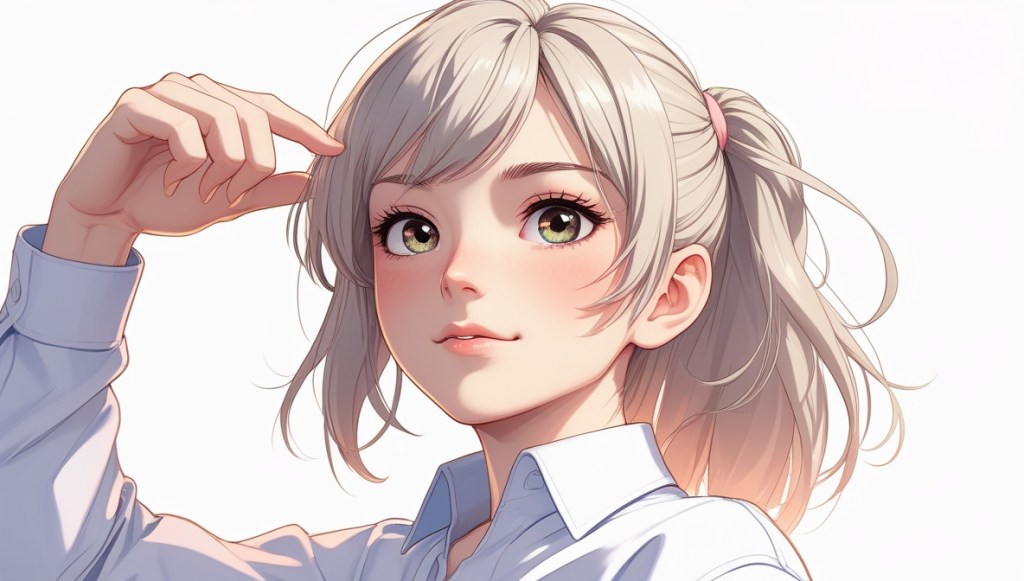
If you’ve ever admired a VTuber whose avatar seemed almost alive, expressing micro-emotions, moving with buttery smoothness, or transitioning seamlessly between poses, you were witnessing the magic of advanced rigging. Rigging, whether in Live2D or with a 3D avatar, is what transforms static artwork or models into expressive, dynamic characters. But while basic rigging gets you blinking eyes and nodding heads, professional-level rigging goes much deeper.
This guide dives into the lesser-known techniques and pro-level tricks that separate amateur setups from polished, studio-quality character rigs. Whether you’re rigging a character for your own VTuber model or aiming to sharpen your animation rigs for clients, these insights will help you push past the fundamentals.
What Makes Rigging Advanced?
At its core, rigging a character is about creating a digital skeleton that controls how it moves. For beginners, this usually means linking bones to mesh, setting up blend shapes, and ensuring the character can blink, smile, or tilt their head.
But advanced rigging adds subtlety, depth, and realism. A rigged avatar doesn’t just move, it emotes, breathes, and reacts in ways that mimic human nuance. In VTuber rigging, this makes the difference between looking “stiff” and being instantly relatable.
The pros know that advanced rigging isn’t just about technical setups; it’s about anticipating how an audience perceives a character’s identity through micro-expressions, natural physics, and fluid control.
Pro Trick #1: Layered Deformation for Natural Motion
Most beginners stop at simple joint bends. But professionals use layered deformations to create organic, non-mechanical motion.
- Live2D Example: Instead of just warping a mouth with a single deform path, pros layer warp deformers, mesh adjustments, and clipping IDs to create lip sync that looks genuinely natural.
- 3D Avatar Example: Adding secondary bones for shoulders or hips allows for overlapping motion, so movements don’t feel robotic. A shrug doesn’t just lift the arm, it shifts collarbones, chest, and even subtly tilts the head.
This layering mimics how real bodies move, giving the character rig a more believable weight.
Pro Trick #2: Dynamic Physics Beyond Hair and Clothes
Most VTubers know about adding physics to hair or clothing, but advanced rigging a character goes further:
- Micro-physics: Subtle jiggle effects on cheeks, tail tips, or accessories like earrings make a model feel alive.
- Breathing simulation: A pro-level rig includes a rhythmic expansion of the chest or stomach to simulate breathing, which makes avatars less static even when idle.
- Eye physics: Tiny movements in pupils and eyelids (micro-tremors) prevent the dreaded “dead-eye” look.
These animation rigs transform passive characters into living presences.
Pro Trick #3: Expression Blending with Custom Parameters
The real secret sauce in VTuber rigging is expression control. Most basic rigs rely on toggles, happy face, sad face, angry face. Pros build rigs where emotions blend dynamically.
For example:
- Instead of a binary “angry” toggle, pros create sliders that gradually blend between neutral → annoyed → furious, all controlled by facial tracking.
- By combining multiple parameter sliders (eyebrows, eyelids, mouth curves), expressions emerge naturally instead of looking pre-programmed.
This makes rigging a character more versatile, allowing streamers to perform nuanced expressions in real time.
Pro Trick #4: Mastery of Blend Shapes and Morph Targets
In 3D avatars, blend shapes (morph targets) are essential for lifelike animation. While beginners may only set up shapes for smiles, blinks, or phonemes, pros take it much further.
Advanced use cases include:
- Asymmetry: Human expressions are rarely perfectly symmetrical, so professionals introduce slight differences between left/right smile curves or eyebrow raises.
- Micro-expressions: Tiny crease changes in the cheeks, dimples, or forehead movement add believability.
- Phoneme layering: Instead of just lip syncing to vowels, pros layer consonant shapes for crisp, realistic speech.
Well-crafted blend shapes separate an amateur 3D avatar from one that looks production-ready.
Pro Trick #5: Motion Constraints and Automation
When rigging complex animation rigs, pro riggers use constraints to keep motion controlled and believable.
Examples:
- Inverse Kinematics (IK): Instead of manually animating every leg movement, IK constraints allow feet to “stick” to the ground while the body moves naturally.
- Automation: Adding automated behaviors (like auto-blink, head tilt balance, or idle sway) keeps the character animated even when the streamer is still.
- Conditional expressions: Triggers that combine multiple conditions (e.g., eyes narrowed + head tilted = skeptical expression).
This frees the VTuber to perform naturally without micromanaging their avatar.
Pro Trick #6: Corrective Deformations
One of the most overlooked aspects of rigging is fixing awkward mesh stretches. Beginners often leave unnatural bends in elbows, knees, or cheeks.
Pros use corrective blend shapes or deformers to fix these issues:
- When an arm bends, corrective deformations prevent sharp angles and simulate muscle compression.
- When a mouth opens wide, corrective shapes stop the chin from collapsing unnaturally.
These details are invisible when done well, but glaring when ignored.
Pro Trick #7: Rigging for Performance Efficiency
Advanced rigs can get heavy, especially with 3D avatars full of physics, blend shapes, and shaders. Pro riggers know how to optimize rigs without sacrificing quality.
- Polygon reduction: Keeping models lightweight prevents lag during live streaming.
- LOD (Level of Detail): Some pros create simplified rigs for streaming while keeping detailed rigs for pre-recorded videos.
- Efficient hierarchy: Organizing bones and deformers reduces computational load and ensures smoother performance.
Nothing kills immersion faster than a laggy, unresponsive rigged character, so efficiency is key.
Pro Trick #8: Emotional Timing in Animation
Advanced character rigging isn’t just about technical setup, it’s about performance. Pros study timing to ensure expressions and movements feel human.
For example:
- Blinks don’t happen instantly, they close slightly faster than they open.
- Smiles appear gradually, not instantly, and may peak unevenly.
- Breathing has a natural rhythm, speeding up when speaking or expressing excitement.
By controlling timing, pros make rigs feel alive rather than mechanical.
Pro Trick #9: Building Modular Rig Systems
Top-level riggers think long-term. Instead of building one-off rigs, they create modular systems that can be reused across characters.
- Live2D: Pros set up master parameter templates (for eyes, mouths, head tilts) that can be adapted to new art quickly.
- 3D avatars: Rigging with modular skeletons allows new characters to be skinned onto the same rig, reducing workload.
This workflow efficiency is how professional studios handle multiple avatars with consistency and speed.
Pro Trick #10: Advanced Tracking Integration
The last layer of pro rigging is optimizing rigs for advanced input sources. Instead of relying only on webcam tracking, professional rigs anticipate other inputs:
- Full-body tracking: IK rigs synced to VR setups for natural body language.
- Hand tracking: Finger bones rigged for expressive gestures.
- Eye tracking: Integration with hardware for precise gaze control.
When rigs are prepared for these technologies, avatars feel far more immersive.
Why These Tricks Matter for VTubers?
For VTubers, rigging isn’t just about looking good, it’s about storytelling. An advanced rig allows a character to:
- Deliver subtle humor with an eyebrow raise.
- Show nervousness with a breathing change.
- Engage audiences with natural, relatable presence.
In short, pro-level VTuber rigging deepens the connection between streamer and audience. It makes fans forget they’re watching a digital puppet, and believe in the character.
Final Thoughts
Advanced rigging isn’t only for studios, it’s increasingly accessible to independent creators who want to elevate their avatars. Whether you’re refining Live2D rigs or sculpting a 3D avatar, these professional tricks, layered deformations, dynamic physics, expression blending, corrective shapes, and modular rigging, can transform your character from functional to unforgettable. Every rigged character is an opportunity to express identity, performance, and artistry. And with the right rigging tricks, you’re not just animating, you’re breathing life into your avatar.


 VtuberLab
Leave a comment