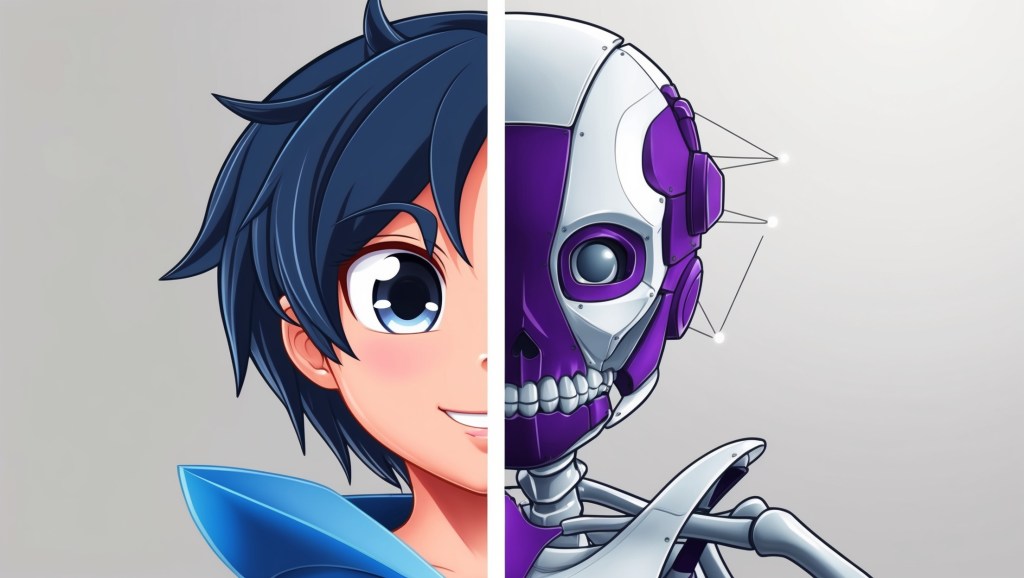
If you’ve been VTubing for a while, you know the struggle: you pour weeks into perfecting your VTuber Avatar, only to realize that it doesn’t quite play nice with the next app you want to try. One program wants VRM, another prefers Live2D, and yet another thrives on a proprietary setup. Suddenly, your carefully rigged creation feels locked into one ecosystem.
But here’s the good news: cross-rig compatibility is no longer a pipe dream. With the right planning, conversion know-how, and a bit of rigging strategy, your VTuber Model can move freely across multiple platforms. This isn’t just a technical advantage, it’s a growth advantage. The more platforms your avatar can adapt to, the more places your audience can discover you.
In this guide, we’ll dive into what makes cross-platform avatars possible, explore the hurdles you’ll face, and share practical compatibility tips for making your VTuber Avatar work in any VTuber app.
Why Cross-Platform Avatars Matter in 2025?
The VTubing landscape isn’t a one-app world anymore. Sure, VTube Studio might dominate Live2D, but apps like Animaze, Prism Live, Reality, Luppet, and VCFace all have their own loyal communities. Then you have streaming platforms – Twitch, YouTube, Kick, that encourage multi-platform presence.
If you limit yourself to one rig format, you’re essentially building walls around your audience. On the other hand, a multi-platform VTuber strategy makes your content portable. Imagine this:
- Streaming high-quality 3D on Twitch with VCFace
- Posting short-form skits in Reality using the same character
- Dropping AR cameos in TikTok with your VRM avatar
- Experimenting with mixed reality via Luppet
That’s all possible if your rig is compatible across platforms. In an era where discoverability is everything, that flexibility can be the difference between slow growth and breakout traction.
The Core Challenge: Every App Speaks a Different “Rigging Language”
To understand cross-rig compatibility, you first need to know why rigs don’t just work everywhere out of the box. Each app has its own “rigging dialect”:
- Live2D rigs rely on 2D textures with deformations (blend shapes, mesh warps).
- 3D rigs depend on polygon meshes, bones, and weight painting.
- VRM files act as a universal standard for 3D avatars but still vary in feature support across apps.
- Proprietary rigs (like Animaze’s Facerig files) lock certain features inside their ecosystem.
Your VTuber Rig is like a passport—it needs the right “visa” (file type and rig structure) for each country (app). Without conversion, your avatar may look broken, stiff, or unresponsive when moved across platforms.
Rig Conversion: The Art of Translation
This is where rig conversion comes in. Think of it as translating your avatar’s body language so it’s understood everywhere. Here are the main pathways:
- 2D to 2D (Live2D → Live2D)
If you’re sticking within Live2D-supported apps (like VTube Studio and PrprLive), your workflow is straightforward. You just need to export your Live2D project in the right format. - 2D to 3D (Hard Mode)
Moving from Live2D to 3D is not a direct process—it requires either creating a new 3D model inspired by your 2D design or using AI-assisted tools for projection. It’s more like recreating than converting. - 3D to 3D (FBX/VRM Conversions)
Most modern VTuber Models are designed in Blender or Unity and exported as FBX or VRM. Converting between these formats is common, and tools like UniVRM, VRoid exports, and Blender add-ons make this manageable. - 3D to Proprietary (e.g., Animaze)
You will often need to follow the platform’s import pipeline, sometimes requiring you to rebuild face tracking or weight painting to meet app-specific rules.
At its heart, rig conversion is about anticipating the differences in bone structures, blend shapes, and motion capture protocols—and adapting your rig so it survives the jump.
Compatibility Tips Every VTuber Should Know
Making your VTuber Avatar work anywhere isn’t just about file conversions—it’s about smart rigging choices from the start. Here are some field-tested tips:
1. Build With Standards in Mind
If you’re designing in 3D, use VRM format as your baseline. It’s currently the closest thing to a “universal” format and is supported in VSeeFace, Luppet, Virtual Motion Capture, and more. For 2D, stick to official Live2D Cubism exports.
2. Keep Your Rig Simple
It’s tempting to go wild with 200 blend shapes or hyper-detailed physics. But not every app can handle advanced rigging. Keep a clean hierarchy, and label bones clearly. The simpler your rig, the easier it is to convert.
3. Standardize Facial Tracking Parameters
Facial rigging is one of the trickiest areas for cross-platform avatars. Some apps map “Blink” to eye rotation, others to eyelid blend shapes. Stick to common ARKit blend shapes if possible—they’re widely recognized across platforms.
4. Plan for Different Input Sources
Your model might use webcam-based tracking in one app and iPhone-based ARKit in another. Test both early on. A rig that only works with one tracking method will limit your mobility.
5. Export in Multiple Formats
Don’t wait until later—export your model in VRM, FBX, and native files from the start. Keep your Unity package, Blender file, and Live2D source files backed up. Future you will thank you.
6. Test on Secondary Platforms Early
Before you polish your rig to perfection, do a test run on a second platform. You’ll catch compatibility issues (like physics breaking or hair clipping) before they become massive headaches.
Growth Tips: Why Cross-Rigging Is a Power Move
Let’s zoom out from the technical talk for a moment. Why go through all this hassle? Because cross-platform compatibility is a growth strategy. Here’s how it plays out:
- Audience Reach: Different platforms have different demographics. TikTok’s VTuber scene isn’t the same as Twitch’s. By making your model compatible, you tap into both.
- Collaboration Opportunities: Imagine collaborating with another VTuber who uses a different app. If your rigs can talk to each other, collabs are smoother.
- Future-Proofing: New apps will keep emerging. A well-structured rig means you won’t need to start over each time.
- Brand Consistency: Your fans get to recognize you, not a watered-down version of your avatar; no matter where you show up.
In other words, your rig isn’t just a costume. It’s your identity passport across the VTubing multiverse.
Face Rigging: The Make-or-Break Element
When VTubers talk about rigging, what usually trips them up is the face rig. That’s because facial expressions are where personality lives. A stiff body can pass, but stiff expressions break immersion instantly.
For cross-rig compatibility, focus heavily on facial rigging standards:
- Use ARKit-compatible blend shapes (like jawOpen, eyeBlinkLeft, browDownRight) since they’re widely supported.
- Don’t overcomplicate, many apps can only handle basic expressions like blink, smile, frown, and mouth shapes for vowels.
- Test in both webcam and phone-based tracking systems to ensure consistency.
If you get the face rigging right, 80% of your avatar’s cross-platform appeal is secured.
The Role of Third-Party Tools
Here’s a secret: you don’t always have to reinvent the wheel. A growing ecosystem of tools can bridge the compatibility gap:
- UniVRM (Unity plugin) → Converts models into VRM with proper bone mapping.
- Blender VRM Add-on → For adjusting VRM exports inside Blender.
- Live2D Cubism Viewer → Helps you preview how rigs will behave in different Live2D apps.
- Rigging Assist Plugins → Automate weight painting and retargeting for easier FBX-to-VRM workflows.
Leaning on these tools can save you days of trial and error.
Common Pitfalls to Avoid
Even experienced VTuber riggers make mistakes when aiming for cross-compatibility. Watch out for these:
- Over-custom physics: Your flowing cape might look great in Unity but crash in simpler apps.
- Inconsistent naming: If your bone names don’t follow conventions, conversions break.
- Over-reliance on proprietary shaders: They won’t transfer outside the app. Stick to standard materials.
- Forgetting about performance: A rig that runs smoothly in Blender may lag hard in a mobile app. Optimize your polygon count early.
A Real-World Example
Take the case of an indie VTuber who starts with a VRoid Studio model. At first, they use it in VSeeFace for streaming. Later, they want to expand to Reality App for TikTok-style shorts. Because VRoid exports in VRM, the switch is seamless.
Now imagine if that same VTuber had invested in a custom FBX rig with non-standard bones. Moving to Reality would have meant hours of conversion, or worse, starting over. The lesson? Plan for cross-rigging from day one. Even if you don’t plan to expand now, you’ll thank yourself later.
Final Thoughts
As the VTubing world grows, so does the diversity of tools, apps, and communities. The last thing you want is to be stuck in a corner because your VTuber Avatar can’t move freely. By designing with standards in mind, prioritizing rig conversion readiness, and investing in smart face rigging, you give yourself the ultimate creative freedom. Your character becomes portable, adaptable, and future-proof, a true multi-platform VTuber identity. Remember: your avatar isn’t just art. It’s your bridge to audiences everywhere. And the stronger that bridge, the faster you’ll grow.


 VtuberLab
Leave a comment